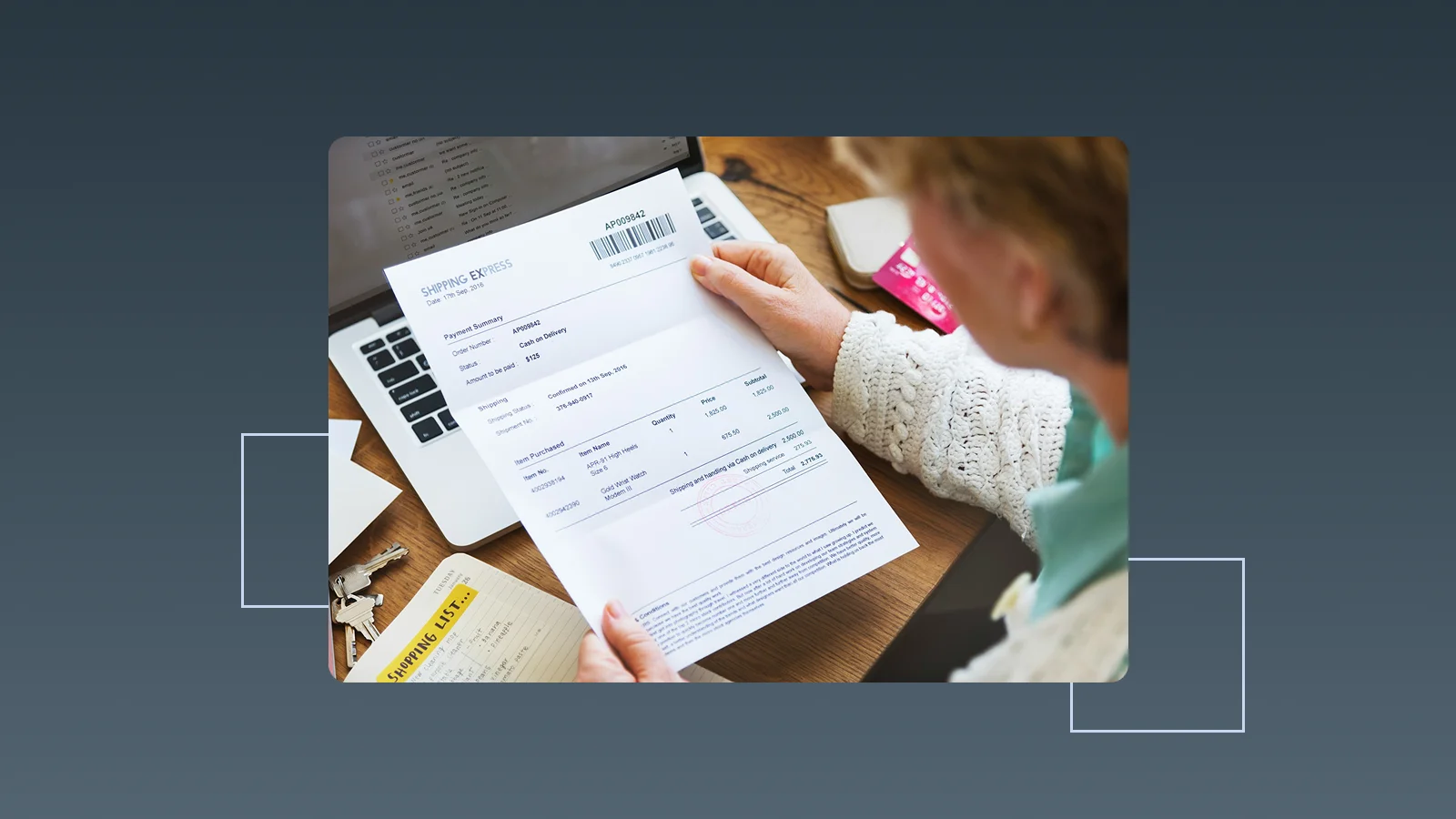
An invoice and a receipt can describe the same sale, but they represent different stages. An invoice asks the customer to pay. A receipt confirms that payment has been received.
The simplest distinction is timing: an invoice normally exists while an amount is due, whereas a receipt is created after money has been received. A complete transaction may also include a quote, order, delivery record, bank transaction, credit note, and statement. Each document should keep the same customer, amount, and reference trail rather than trying to make one file perform every purpose.
What is the difference between an invoice and a receipt?
| Comparison | Invoice | Receipt |
|---|---|---|
| Main purpose | Requests or records an amount due | Confirms that an amount was received |
| Typical timing | Before payment, when the billing condition is met | After full or partial payment |
| Status represented | Due, unpaid, partly paid, or overdue | Paid for the amount shown |
| Common details | Invoice number, lines, total, due date, and payment terms | Receipt number, payment date, amount, method, and transaction reference |
| Common setting | B2B sales, services, wholesale, projects, and subscriptions | Retail, hospitality, cash sales, deposits, and payment confirmation |
| Accounting role | Supports accounts receivable and the sale | Supports cash receipt and settlement records |
| Proof that payment occurred | No, not by itself | Yes, for the amount acknowledged |
An invoice for USD 5,000 does not prove the customer paid USD 5,000. A receipt stating that USD 5,000 was received confirms payment. Bank and payment-processor records can also provide payment evidence, but they should be connected to the correct invoice or transaction.
What is an invoice?
An invoice is a seller's request for payment. It is usually issued when goods are delivered, services are completed, a milestone is approved, a subscription period begins, or another billing condition in the agreement is reached.
A professional invoice normally includes:
- the title “Invoice”;
- a unique invoice number and issue date;
- seller and customer details;
- product or service descriptions, quantities, units, and rates;
- discounts, charges, tax where applicable, and total;
- currency;
- payment due date and terms;
- payment instructions and remittance reference;
- quote, purchase-order, contract, project, or delivery reference.
The invoice gives the customer enough information to verify and approve the payment. For a detailed field and numbering checklist, see the invoice format guide.
What is a receipt?
A receipt is issued after the seller receives money. It answers five questions: who paid, how much was received, when it was received, how it was paid, and which goods, services, or invoice the payment relates to.
A useful receipt normally includes:
- the title “Receipt” or “Payment Receipt”;
- a unique receipt number;
- payment date;
- seller and payer details;
- amount received and currency;
- payment method;
- bank, card, cheque, or processor reference where applicable;
- product, service, or payment purpose;
- related invoice, order, or contract number;
- whether the amount is full payment, partial payment, a deposit, or a refund.
A point-of-sale receipt often combines item detail and payment confirmation in one document because the customer pays immediately. In a B2B transaction, the seller may issue an invoice first and acknowledge the later bank payment through a payment receipt or paid status.
Can a paid invoice serve as a receipt?
It can provide payment evidence if the seller updates it clearly with the payment date, amount, method, and transaction reference. Merely placing a “Paid” stamp on an invoice without supporting payment information can still create ambiguity.
Two common approaches are:
- preserve the original invoice, update its status after payment, and retain the linked payment record;
- issue a separate receipt that references the invoice and actual payment.
The appropriate method depends on local requirements, customer needs, payment channel, and industry practice. A business should never mark an invoice paid or issue a receipt before it has confirmed receipt of funds.
Invoice vs bill vs receipt vs statement
| Document | When it is used | Does it indicate a completed sale? | Does it prove payment? |
|---|---|---|---|
| Quote | Before agreement, to propose price and terms | Not necessarily | No |
| Bill | To state an amount due, often payable immediately or soon | Usually | No, unless it also records payment |
| Invoice | To formally request payment and record receivables | Usually | No |
| Receipt | After payment is received | Yes | Yes, for the stated amount |
| Statement | To summarise invoices, credits, payments, and balance over a period | Covers multiple transactions | Shows statuses but is not one transaction's receipt |
The terms “bill” and “invoice” are sometimes used interchangeably. In everyday usage, a bill often implies immediate payment, such as at a restaurant, while an invoice commonly includes a due date and payment terms. The underlying workflow matters more than the label.
How do invoices and receipts work for deposits?
A deposit normally needs separate request and receipt records:
- the quote or contract defines the deposit amount or percentage;
- an invoice or payment request is issued when the deposit becomes due;
- the business records the payment when received;
- a receipt or payment confirmation is issued if required;
- the final invoice shows the contract total, deposit already received, and remaining amount.
Suppose a project costs USD 20,000 and requires a 40% deposit. The deposit request is USD 8,000. After the customer pays, the receipt confirms USD 8,000—not the full USD 20,000. The later invoice should apply the deposit so the customer is not charged twice.
How should partial payments be recorded?
Each partial payment should have its own date, amount, method, and reference. The invoice should remain open for the unpaid balance.
For example:
- invoice total: USD 10,000;
- first payment received: USD 4,000;
- receipt or payment record: USD 4,000;
- remaining invoice balance: USD 6,000.
Do not issue a receipt for USD 10,000 when only USD 4,000 was received. If the customer makes several payments, preserve each payment record and show how they reduce the same invoice.
Is a bank transaction the same as a receipt?
A bank or payment-processor record proves that money moved, but it may not explain what was purchased, which invoice it settled, or whether the amount included several transactions.
A stronger transaction trail connects:
- quote, order, or contract;
- invoice and invoice number;
- delivery or service-completion evidence;
- bank, card, cheque, or payment-platform record;
- receipt or seller payment confirmation where applicable;
- credit note or refund if the amount changes later.
Ask the customer to use the invoice number as the payment reference. When a payment arrives without a useful reference, keep it unapplied until the payer and invoice are identified rather than marking the wrong invoice paid.
What is the difference between a sales receipt and an expense receipt?
“Receipt” can describe two sides of a business workflow.
- A sales or payment receipt is issued to a customer to confirm money received.
- An expense receipt is received from a supplier or merchant and supports the business's purchase or reimbursement record.
An expense receipt should capture the supplier, date, items, amount, currency, payment method, payer, category, and business purpose. It may also need to be linked to a customer, project, location, or cost centre.
Keep sales documents and expense documents directionally clear. Customer invoices and incoming payments belong to accounts receivable; supplier receipts and outgoing payments belong to expense or accounts-payable records.
A complete quote-to-payment document flow
- agree the scope, product, price, and payment terms in a quote or contract;
- issue an invoice when the billing condition is met;
- send it to the correct customer and accounts-payable contact;
- track the due date and follow up;
- identify the payer, amount, currency, and invoice when money arrives;
- record full or partial payment against the invoice;
- issue a receipt or payment confirmation if required;
- preserve the invoice, payment, receipt, and delivery evidence;
- review unapplied payments, duplicates, refunds, and outstanding balances.
This sequence prevents “invoiced” from being mistaken for “paid” and reduces the risk of applying one payment to the wrong customer or document.
Use InstantFlow to connect invoices, payment status, and expense receipts
InstantFlow keeps customers, products or services, quotes, invoices, and payment status in one platform. A user can tell Genie—InstantFlow's AI business agent—what the customer needs and create a quote from that prompt. Once accepted, the quote can convert into an invoice with one click, carrying forward the approved lines, prices, and terms.
After the invoice is sent, the team can schedule follow-up emails and mark full or partial payments as they are confirmed. Revenue, outstanding invoices, and overdue amounts remain visible, making it clear which documents were merely issued and which transactions have been settled.
On the expense side, users can upload supplier receipts. InstantFlow can extract the merchant, date, amount, currency, and recognisable line information, then suggest an expense category. After review, the team can add the payment method, customer, project, or purpose and ask Genie questions about spending by period, category, or payment method.
This gives each document the right role: customer invoices track money due and received, while supplier receipts support expenses. Explore the AI quote and invoice generator and AI expense tracker. Want to connect one real quote, invoice, payment, and receipt workflow? Use InstantFlow or book a demo.
Frequently asked questions
Can a business issue a receipt before the customer pays?
It should not confirm money that has not been received. Before payment, issue an invoice or payment request. After full or partial payment is confirmed, update the status and issue the relevant receipt or confirmation.
Does a paid invoice always need a separate receipt?
Not always. A paid invoice linked to a reliable payment record may meet the customer's needs, while cash, retail, reimbursement, or local regulatory situations may call for a separate receipt. Confirm the applicable requirement.
Can a receipt replace an itemised invoice?
Only if it contains enough information for the intended purpose. A receipt showing only a total may not explain the goods, services, quantities, rates, or payment terms. Retain the invoice, order, or supporting detail where needed.
Should a partial-payment receipt show the full invoice amount?
It may reference the full invoice, but it should state the amount actually received and the remaining balance. Do not describe the invoice as fully settled when only part was paid.
How does InstantFlow distinguish invoiced and paid amounts?
The team can create and send invoices, then mark full or partial payments when confirmed. Revenue, outstanding, and overdue information stays visible. Supplier expense receipts are captured and categorised separately, keeping customer receivables distinct from business spending.
Conclusion
An invoice requests payment; a receipt confirms payment. Quotes, contracts, delivery evidence, bank records, and credit notes provide the surrounding transaction context. Keeping those documents linked is more reliable than forcing one file to prove agreement, delivery, and payment by itself.
InstantFlow connects quotes, invoices, payment status, and supplier expense receipts in one operating workflow. Genie-assisted document creation, scheduled follow-up, payment updates, and expense queries help the team know what is due, what has been paid, and which receipt supports each cost.

Michael Tang · Digital Content Manager
Focused on digital content, AI tools and enterprise technology trends, researching and distilling practical information that turns complex technology and AI applications into clear, accessible content for business owners and professionals.