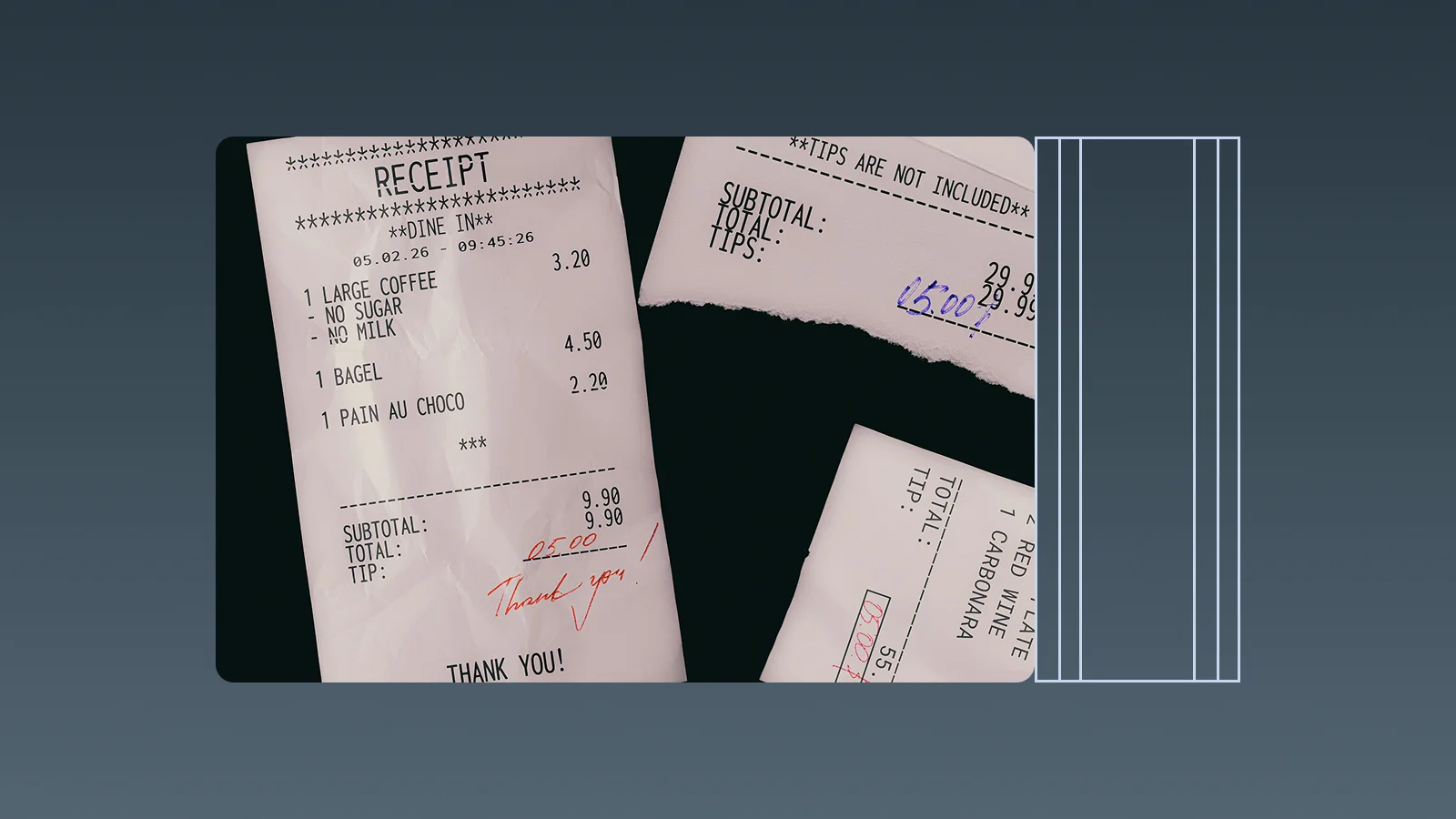
A receipt system should do more than turn a paper receipt into an image. It should help a business capture receipts, extract useful fields, categorise expenses, search past records, review uncertain information, and hand structured data to finance.
This guide focuses on choosing receipt-system software. It is different from a general business expense tracking article, which focuses on project costs, budgets, and spending visibility, and from an AI expense workflow article, which focuses on submission, approval, and month-end controls.
What is a receipt system?
A receipt system is software that captures and organises receipt data. Depending on the product, it may support mobile photos, PDFs, email attachments, OCR, automatic categorisation, duplicate checks, approval status, exports, and accounting integrations.
Receipt scanning creates a digital copy. Receipt management creates a usable record around that copy: the merchant, date, amount, currency, line items, category, payment method, business purpose, and review status.
8 receipt system features to compare

1. Capture methods
Check whether the system supports mobile photos, PDFs, email forwarding, batch uploads, and digital receipts. The more closely the capture method fits the team’s daily behaviour, the less likely receipts are to remain in personal photo albums or chat messages.
2. OCR fields
A useful receipt system should attempt to extract the merchant, date, total, currency, tax or fee, payment method, receipt number, and line items. Do not evaluate OCR only with clean sample files. Test faded paper, crumpled receipts, mixed languages, screenshots, and unclear images.
3. Automatic categorisation
The system should suggest categories such as software, travel, advertising, supplies, meals, or contractors. It should allow a user to correct the suggestion and retain the confirmed result for future review.
4. Search and filters
Search should work across merchants, dates, amounts, categories, projects, users, and review status. Filters for missing information, possible duplicates, and unreviewed receipts are especially useful during month-end close.
5. Review and confidence handling
OCR output should not automatically become a final accounting record. Look for editable fields, confidence indicators, duplicate warnings, approval status, and an audit trail showing who changed a value.
6. Export and integrations
Check whether the product exports structured data as CSV or Excel, preserves the original receipt, and connects with the accounting or business software already in use. A system that stores documents but makes export difficult can create switching risk later.
7. Privacy and permissions
Receipts may reveal suppliers, customers, cards, travel, and business spending. Review user roles, backup, retention, deletion, encryption, export controls, and how uploaded files are stored or used.
8. Expense context
The best receipt system for a business can connect a receipt to a category, client, project, department, payment record, or invoice. This is what turns receipt capture into information that finance and operations can use.
Types of receipt system software
| Type | Best for | Main limitation |
|---|---|---|
| Receipt scanner | Occasional capture and OCR | May not include review, permissions, or finance handoff |
| Receipt management system | Central storage, search, and document review | May not connect to projects, clients, or invoices |
| Expense management software | Categorisation, approvals, reimbursements, and reporting | May be more than a small team needs for simple capture |
| AI business operations software | Receipts, expenses, customers, projects, quotes, and invoices in one workflow | Requires sensible setup and human review rules |
How InstantFlow handles receipt system needs
InstantFlow focuses on turning receipts into accurate, reviewable expense records. It can help extract merchant, date, amount, currency, line-item, and payment information from a receipt or bill. When the file is unclear or information is incomplete, the result should be checked before it becomes a final record.
After extraction, InstantFlow can automatically suggest an expense category based on the transaction content and existing records. Users can review or correct the category, then search and analyse the resulting expense data instead of retyping every receipt into a spreadsheet.
Genie works like an on-demand finance assistant for receipt and expense questions. Users can ask, “Which receipts are still uncategorised?”, “How much did we spend on software this month?”, “Which receipts are linked to this project?”, or “What was the total for this supplier?” Genie can help find the answer from the recorded expense data, while the original receipt remains available for review.
The practical test is not whether the system can read one clean receipt. Test a batch of real receipts and check extraction accuracy, category suggestions, duplicate handling, search, and answers to expense questions. This shows whether the system can reduce finance workload in daily use.
Questions to ask before choosing a receipt system
- Can users submit photos, PDFs, email attachments, and batches?
- Which fields can OCR extract from receipts and bills?
- Can users correct extraction and category suggestions?
- Does the system identify duplicates and uncertain values?
- Can records be connected to users, clients, projects, or departments?
- Can the original files and structured data be exported?
- Are permissions, backups, retention, and deletion clearly controlled?
- Can the system answer questions about recorded expenses?
Frequently asked questions
Is a receipt scanner the same as a receipt management system?
No. A scanner creates a digital image or extracts text. A receipt management system adds searchable fields, categories, review status, duplicate checks, permissions, and a finance handoff.
How accurate is receipt OCR?
Accuracy depends on the receipt layout, image quality, language, handwriting, and field being extracted. Test real receipts rather than relying only on a vendor demonstration. Uncertain values should remain reviewable before they become financial records.
Can a receipt system categorise expenses automatically?
Many systems can suggest categories using OCR data, vendors, and previous transactions. Users should be able to correct the suggestion, especially for mixed personal and business purchases, refunds, unusual vendors, and high-value costs.
What should a business do with receipts after scanning?
Keep the original file linked to the structured expense record, add the business purpose and relevant project or client, review the category, and retain any payment or approval evidence required by the finance process.
Can InstantFlow answer questions about receipts and expenses?
Yes. Genie can help answer questions about uncategorised receipts, suppliers, time periods, expense categories, projects, and spending totals using the records in InstantFlow. Finance staff should still verify unusual items against the original receipt and payment evidence.
Conclusion
Choosing a receipt system is not only an OCR decision. Compare the full path from capture to extraction, categorisation, review, search, export, and finance questions.
If you want to test this workflow, use a real batch of receipts in InstantFlow. Check what the system extracts, how categories are suggested, whether you can correct uncertain fields, and whether Genie can answer the expense questions your team asks every week.

Michael Tang · Digital Content Manager
Focused on digital content, AI tools and enterprise technology trends, researching and distilling practical information that turns complex technology and AI applications into clear, accessible content for business owners and professionals.