Restaurants buy from a changing mix of produce, meat, beverage, dry-goods, packaging, and service suppliers. Deliveries may arrive at different times and locations; invoices may be handed over with the goods, emailed later, or summarized in a supplier statement. When each document is stored in a different inbox, folder, or spreadsheet, it becomes hard to answer basic questions: What did we order? What arrived? Which bill does this delivery belong to? Has it been paid?
A useful restaurant supplier record system connects each supplier to its orders, delivery records, invoices, adjustments, and payment history. It gives kitchen, receiving, management, and finance staff a shared way to find the current record without turning every month-end into a document hunt.
What to keep in a restaurant supplier record
| Record | Useful details | What it helps answer |
|---|---|---|
| Supplier profile | Consistent supplier name or ID, contact, account reference, usual delivery locations, payment terms, and statement cycle | Who supplied the goods and how the account works |
| Order record | Order date and reference, item description, pack or unit, quantity, expected price, and delivery location | What the restaurant requested |
| Delivery or receiving record | Delivery date, actual items and quantities, receiving location, staff member, and notes about shortages, substitutions, or returns | What physically arrived and what needs follow-up |
| Supplier invoice | Invoice number, date, amount, due date, order or delivery reference, and status | What the supplier is charging and when it is due |
| Credits and adjustments | Original invoice or delivery reference, reason, amount, and whether a replacement, credit, or refund is expected | How a return or correction changes the account |
| Payment record | Date, amount, payment method, reference, and the invoice or invoices settled | What has been paid and what remains outstanding |
Keep the source document with the record it supports. A searchable invoice without its delivery reference can still leave a manager unsure which order it covers; a delivery note without a supplier or location can be difficult to identify later.
Give each order and delivery a consistent reference
Start with a supplier ID and a simple order reference that can be copied onto messages, delivery notes, and invoices. It might combine the supplier code, date, and sequence number. The exact format matters less than using it consistently and ensuring that staff can look it up quickly.
When orders are placed by phone, email, messaging app, or a purchasing tool, capture the same basic details: supplier, item and pack size, quantity, agreed price if available, order date, expected delivery, and receiving location. This creates a record of what was requested before the delivery arrives.
Record what the restaurant actually receives
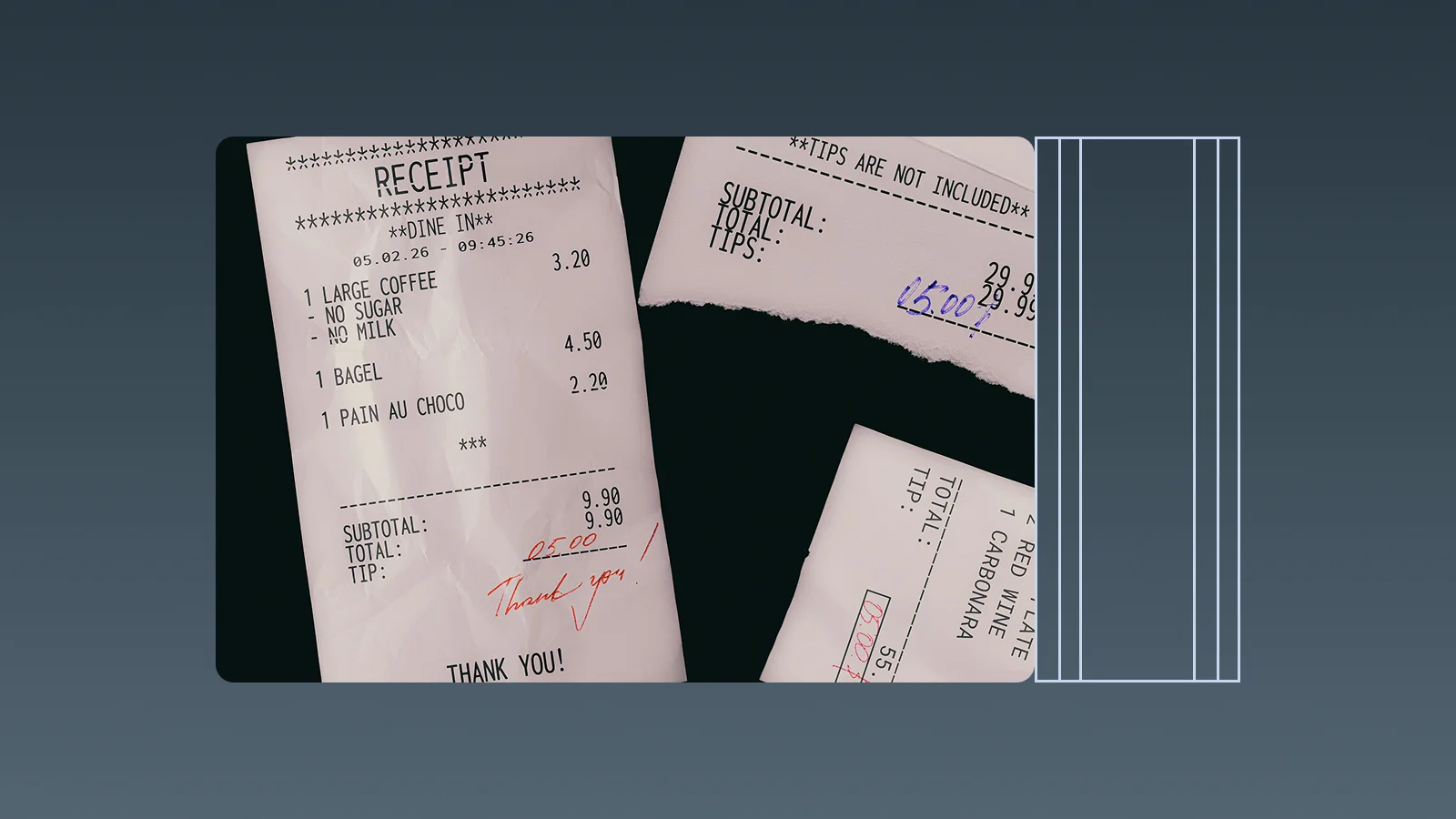
At delivery, record the date, location, and person receiving the goods. Note the actual quantity and unit, as well as substitutions, damaged goods, short deliveries, and items returned. If the supplier will send a replacement or credit, record who confirmed it, when, and what follow-up document is still expected.

This receiving record does not need to become a full stock-control system. Its purpose here is to preserve the operational context for the supplier account: which delivery took place, what was accepted, and what remains unresolved. Keep detailed price and quantity reconciliation as a separate review step so a missing or disputed line is not hidden inside an account total.
Keep supplier invoices, statements, and payments connected
For each invoice, capture its number, amount, issue date, due date, supplier, and related order or delivery references. When a supplier sends a periodic statement, retain it alongside the individual invoices, credits, and payment records for that period. The statement summarizes the account; the underlying documents explain how the balance was formed.
After making a payment, record the payment date, amount, method, reference, and the invoices it covers. If one payment settles several invoices, list the allocation. If an invoice is partly paid, show the remaining balance and next action. This helps the restaurant distinguish “received,” “under review,” “ready to pay,” “partly paid,” and “settled” without relying on someone’s memory. Broader guidance on connecting costs to payment records is in business expense tracking.
Make the process work across more than one location
When a supplier serves several restaurants, each order and delivery needs a location field. The person receiving goods should be able to record what arrived at their site, while a central manager can review the supplier’s overall account and payment status. Use consistent location names and identify who owns each exception or missing document.
A short shared status list can make the handoff clear:
- Order placed: the order reference and expected delivery are recorded.
- Received: the location confirms what arrived and notes any exceptions.
- Invoice pending: goods were received, but the supplier’s invoice or statement has not arrived.
- Needs review: a document or delivery detail needs clarification.
- Approved for payment: the relevant records have been reviewed and the bill is ready for the authorized approver.
- Paid: payment date, amount, method, and reference are recorded.
Review the open items on a regular cadence, not only at month-end. A quick weekly check can surface invoices with no delivery record, deliveries awaiting an invoice, credits that have not arrived, and due dates approaching.
Use InstantFlow to turn supplier documents into useful expense data
When supplier invoices and receipts arrive through different channels, the first useful step is making the expense details easy to search and review. InstantFlow can help extract information from expense documents, such as the supplier, date, amount, currency, and line details, then automatically categorize the expense. Staff can review uncertain or incomplete fields and keep the source document with the resulting expense record.
Once supplier costs are recorded, a manager can ask Genie focused questions such as, “How much did we record for this supplier last month?”, “Which supplier expenses still need categorization?”, or “What supplier costs were recorded for this location this week?” That gives the team a quicker way to find records and spot items that need attention. The receiving record and supplier invoice still need to be checked against each other before a bill is approved; InstantFlow’s value here is making the supplier expense information easier to capture, categorize, and query as part of the restaurant’s wider operating data. For capture and OCR choices, see the receipt system guide; for food-service operations more broadly, see InstantFlow’s food and beverage use case.
Frequently asked questions
Which documents should a restaurant keep together for each supplier?
Keep the order or order confirmation, delivery or receiving record, supplier invoice, related credit or return documents, supplier statement, and payment record connected by a consistent supplier and transaction reference. This makes it easier to trace an amount from what was ordered and received through to what was billed and paid.
What should a restaurant record when a delivery is short or substituted?
Record the ordered item and quantity, what actually arrived, the delivery date and location, and the action agreed with the supplier. Link any replacement delivery, corrected invoice, credit note, or refund to the original delivery so the account history explains the adjustment.
How can a restaurant organize supplier records across multiple locations?
Use a consistent supplier ID and require each order, delivery, and invoice record to identify the location it belongs to. Assign a receiving owner at each site and a central owner for supplier statements, payment status, and unresolved exceptions. This keeps the individual delivery context while making the overall supplier account visible.
What should be included in a supplier payment history?
Record the payment date, amount, method, transaction reference, supplier, and invoice or invoices settled. For partial payments or one payment covering several bills, record the allocation and remaining balance so the supplier statement can be reviewed against the restaurant’s records.
How can InstantFlow help with restaurant supplier records?
InstantFlow can extract supplier and amount details from expense documents, categorize recorded supplier costs, and let a manager ask Genie questions about those expenses. This helps staff find and review supplier-cost records faster; they should still verify delivery details and invoice amounts before approving a bill for payment.
Conclusion
Good restaurant supplier records connect each order to the delivery, invoice, any adjustment, and eventual payment. Use consistent supplier and transaction references, capture the receiving location and exceptions at the time of delivery, and review open invoices and credits before they disappear into a month-end backlog.
If supplier paperwork is spread across kitchen counters, email, and spreadsheets, start with one supplier and one location. Put its orders, delivery records, invoices, and payments into a single traceable workflow, then expand the same routine to the rest of the supplier list.

Michael Tang · Digital Content Manager
Focused on digital content, AI tools and enterprise technology trends, researching and distilling practical information that turns complex technology and AI applications into clear, accessible content for business owners and professionals.